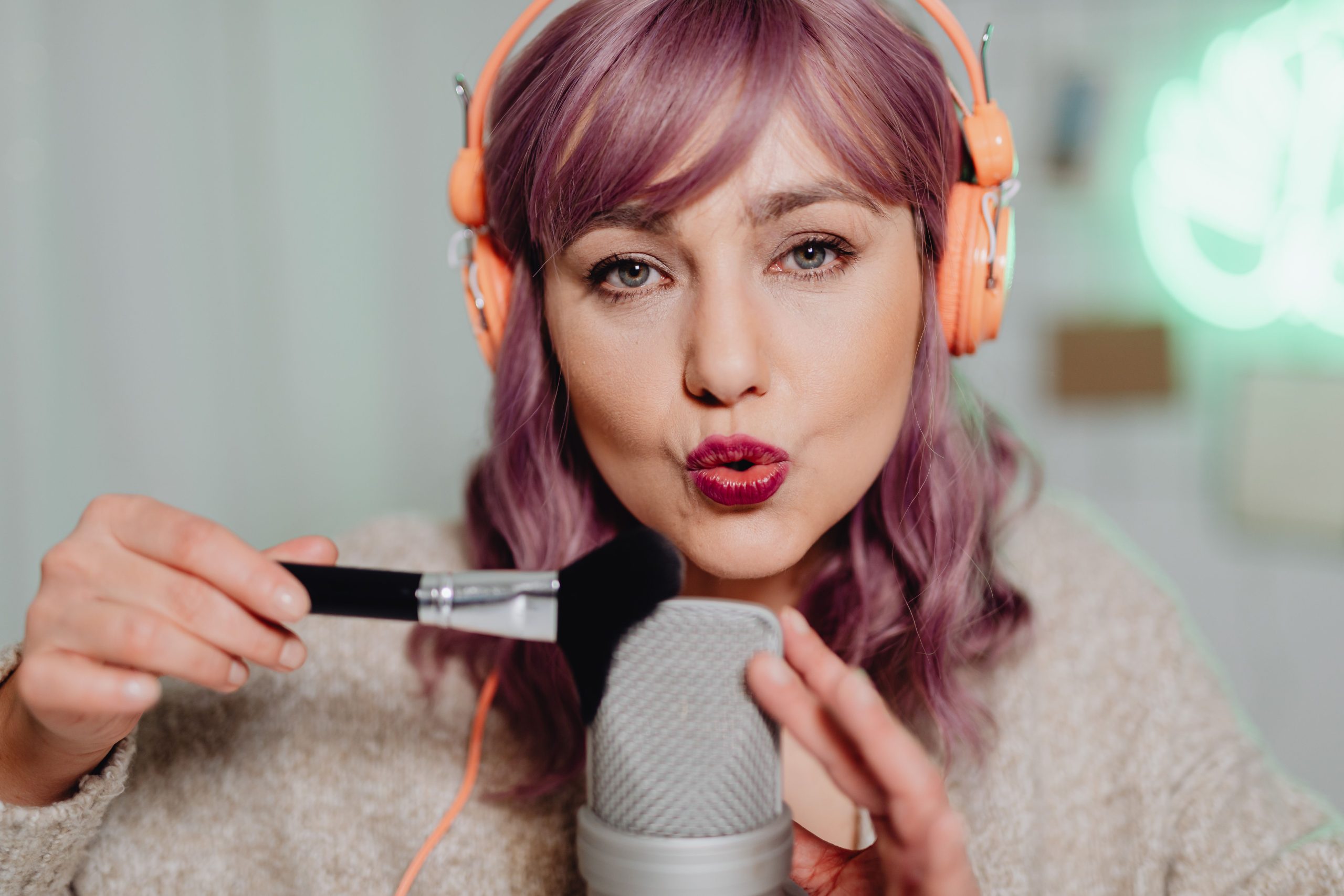
The best AI lip sync generators in 2026 can automatically synchronize spoken audio with a person’s mouth movements, making them useful for dubbing, localization, social videos, digital characters, and content repurposing. Magic Hour stands out as a strong option for creators who want a simple browser-based workflow, while HeyGen, Sync, Hedra, D-ID, Runway, and LatentSync serve more specialized needs.
AI lip synchronization has developed beyond simple talking-head demonstrations. Modern tools can work with existing footage, generated characters, avatars, and, in some cases, complete performance videos. The right choice depends on what you already have, how much control you need, and whether you are creating one video or building a larger production workflow.
Best AI Lip Sync Generators at a Glance
| Tool | Best For | Main Input | Free Option | Key Strength |
| Magic Hour | Creators and existing footage | Video + audio | Yes | Simple workflow and broad AI toolkit |
| HeyGen | Presenters and localization | Video/avatar + audio | Yes | Avatars and translation |
| Sync | Developers and production | Video/image + audio | Yes | API and multiple models |
| Hedra | AI characters | Character + audio | Varies | Character-focused creation |
| D-ID | Talking presenters | Image/video + script | Trial/free access varies | Presenter workflows |
| Runway Act-Two | Character performance | Driving video + character | Credit-based | Performance transfer |
| LatentSync | Technical users | Video + audio | Open source | Local experimentation |
The best tool depends on your source material. A filmed speaker, still portrait, and AI character require different approaches.
1. Magic Hour: Best Overall for Creators
Magic Hour is a practical choice for creators who already have face footage and want to synchronize it with new audio. Its Lip Sync tool lets users upload a face video and an audio track, then generates synchronized mouth movements.
The workflow is straightforward, which is one of its biggest advantages. You do not need to build a complicated editing pipeline just to test a short clip. Magic Hour also allows users to try the tool without signing up, making it easier to evaluate before committing to a paid plan.
The platform goes beyond lip synchronization as well. Creators can use its other AI media tools for image generation, video creation, editing, and related production tasks.
Pros
- Free testing without signup
- Straightforward video-and-audio workflow
- Useful for dubbing and content repurposing
- Broader AI image and video tools
- API access for developers
- Suitable for desktop and mobile workflows
Cons
- Free generations have usage and duration limits
- Free video output can include a watermark
- Source footage quality affects the result
- More advanced production requires a paid plan
For creators specifically looking for lip sync AI, Magic Hour is particularly convenient because lip synchronization sits alongside other media-generation tools rather than operating as an isolated feature.
Its broader workflow can also be useful when starting from an image rather than recorded footage. A creator can generate or animate visual material and then use lip synchronization as part of the production process.
Price
Magic Hour offers a Free plan. Creator is $19/month or $12/month when billed annually, Pro is $39/month or $25/month annually, and Business is $99/month or $66/month annually.
Best for: Creators who want easy lip syncing plus access to a wider AI content-creation platform.
2. HeyGen: Best for Presenters and Localization
HeyGen approaches AI video from a broader presenter and avatar perspective. Alongside lip synchronization, it offers AI avatars, voice generation, and video translation.
This makes it especially useful for companies producing training videos, marketing content, presentations, or localized versions of existing videos.
Pros
- Strong presenter workflow
- AI avatars
- Video translation
- Voice-generation features
- Free plan available
- Useful for business content
Cons
- More expensive if you only need basic lip sync
- Credits are shared across features
- Avatar-focused workflows may be unnecessary for existing footage
HeyGen makes sense when lip synchronization is part of a larger presenter-video project. If you simply need to replace the dialogue in an existing video, a dedicated lip-sync platform may provide a more direct workflow.
Price
HeyGen offers a Free plan, with paid plans beginning with Creator at $29/month, or a lower effective monthly rate when billed annually.
Best for: Businesses, marketers, and creators producing presenter videos or multilingual content.
3. Sync: Best for Developers
Sync is particularly relevant to developers and teams that need to integrate lip synchronization into an application or automated workflow.
Rather than relying on a single model, Sync offers several models aimed at different production requirements. Its platform also supports API-based workflows and batch processing.
Pros
- Multiple lip-sync models
- Developer-focused API
- SDK support
- Batch processing
- Different quality and cost options
- Suitable for automated production
Cons
- More technical than consumer-focused platforms
- Usage-based costs require planning
- Different models have different pricing
- Better suited to production workflows than casual experimentation
For developers processing a large number of videos, API access can be more important than having the simplest graphical interface.
Price
Sync uses subscription plans combined with generation usage. Its entry-level subscription starts at $5/month, with higher plans available for larger workloads.
Best for: Developers, agencies, and teams building automated video pipelines.
4. Hedra: Best for AI Characters
Hedra is aimed more at AI characters and digital personalities than conventional footage editing. This makes it useful for creators who want to generate characters that speak and appear in short-form content.
Instead of simply changing dialogue in existing footage, the workflow can involve creating the character and then animating it with audio.
Pros
- Character-focused creation
- Useful for digital personalities
- Supports audio-driven content
- Broader creative workflow
Cons
- Less focused on conventional filmed footage
- Model and credit structures can change
- Character generation adds another layer to production
For creators building fictional characters or virtual personalities, Hedra can make more sense than a traditional lip-sync-only service.
Best for: AI characters, virtual personalities, and generated talking content.
5. D-ID: Best for Talking Presenters
D-ID focuses heavily on digital presenters and talking images. This makes it useful for businesses, educators, and creators who want to turn portraits or digital characters into speaking videos.
Pros
- Presenter-focused tools
- Talking-image workflows
- Useful for educational content
- Business-oriented applications
Cons
- Less focused on traditional video replacement
- Results depend on source images and audio
- Pricing varies by plan and usage
D-ID is worth considering if the project starts with a portrait rather than an existing video recording.
Best for: Presentations, training material, and talking-avatar content.
6. Runway Act-Two: Best for Character Performance
Runway’s approach is different from conventional lip synchronization. Its Act-Two workflow can transfer aspects of a driving performance video to a character.
That makes it more suitable for animation and character-driven projects where the goal is to reproduce broader facial or body performance rather than simply synchronize mouth movement.
Pros
- Transfers performance to characters
- Supports character images and videos
- Useful for animation
- Part of a broader creative platform
Cons
- More complicated than basic lip sync
- Requires a driving performance
- Credit costs can accumulate
- Not the most direct choice for existing talking-head footage
Act-Two is therefore better viewed as a performance-capture tool with lip-sync capabilities rather than a simple dialogue replacement service.
Best for: Character animation and performance-driven video.
7. LatentSync: Best for Open-Source Experimentation
LatentSync takes a different route from commercial browser-based services. It is an open-source approach that can appeal to developers and researchers who want greater control over their environment.
The basic concept involves taking existing video and replacement audio and producing synchronized facial movement.
Pros
- Open-source
- Useful for technical experimentation
- Greater control over the environment
- Suitable for research and custom workflows
Cons
- Requires technical knowledge
- Setup can be more involved
- Hardware requirements matter
- Less convenient for nontechnical users
If you want a finished video quickly, a hosted service will usually be simpler. If you want to experiment with the underlying technology, open-source software offers a different set of possibilities.
Best for: Developers, researchers, and technically experienced creators.
How We Chose These Tools
I focused on practical criteria rather than assigning arbitrary quality scores.
The main considerations were:
- Input requirements: What footage, images, or audio does the tool accept?
- Lip-sync workflow: Does it synchronize existing video or create a character from scratch?
- Free access: Can users test the product before paying?
- Pricing: Is the cost subscription-based, usage-based, or both?
- Production capabilities: Does it offer APIs, batch processing, or professional workflows?
- Ease of use: Can a creator start without technical setup?
- Use-case fit: Is the platform better for creators, businesses, developers, or character animation?
There is no universal benchmark for every lip-sync scenario. A tool that works well with a clear, front-facing speaker may behave differently with fast head movement, unusual lighting, partially obscured faces, or animated characters.
That is why testing your own representative footage is more useful than relying entirely on promotional demonstrations.
AI Lip Sync Trends in 2026
The category is moving toward broader AI media platforms. Lip synchronization increasingly sits alongside image generation, video generation, avatars, voice tools, and editing.
API access is another major trend. For developers, being able to process many videos programmatically can be more valuable than a polished consumer interface.
Model specialization is also becoming more common. Different models can target different combinations of quality, speed, resolution, and cost. This gives production teams more control over how they allocate their budgets.
At the same time, source quality remains important. Clear footage, visible faces, stable framing, and clean audio give AI systems better material to process.
Final Takeaway
There is no single AI lip-sync generator that fits every creator.
Magic Hour is a strong choice for creators who want straightforward browser-based lip synchronization, free testing, and access to a broader AI media toolkit. HeyGen is particularly useful for presenters and localization, while Sync stands out for developers and automated workflows.
Hedra and D-ID are worth considering for character and presenter content. Runway Act-Two is better suited to transferring complete performances to characters, while LatentSync provides an open-source option for technical users.
The most practical approach is to test the same representative clip with the tools that fit your workflow. Check mouth movement, timing, facial consistency, audio synchronization, processing speed, and the actual cost of producing a usable final video.
The best lip-sync tool is ultimately the one that works with your source material and production process, rather than simply the one with the longest feature list.